+86-18126757325


Choosing the best Android Car Stereo is not simply a matter of buying the largest screen or the newest processor. S&P Global Mobility reported that the average age of light vehicles in the United States reached 12.6 years in 2024. That aging vehicle population creates strong demand for practical aftermarket upgrades. A modern head unit can add navigation, hands-free calling, music streaming, and camera support without replacing the vehicle. However, compatibility matters more than appearance. The dashboard opening, wiring harness, steering-wheel controls, factory amplifier, and reverse camera must work together.
J.D. Power’s 2024 U.S. Tech Experience Index Study identified infotainment and smartphone integration as continuing sources of driver frustration. That finding deserves attention. A stereo may advertise Android 13, a bright 10-inch display, or powerful specifications. Yet slow startup, weak microphones, unstable wireless connections, and screen glare can ruin daily use. Android Auto compatibility is also different from a full Android operating system. Buyers should check both functions carefully. Look for verified RAM and storage, responsive touch performance, clear audio output, offline navigation options, and reliable software updates. Ask whether the unit supports the vehicle’s CAN-bus functions and professional installation.
Bigger is not always better. Neither is cheaper.
A careful choice begins with the car, not the product page. This guide compares essential specifications, installation risks, safety considerations, and real-world usability. Some published specifications are incomplete, and that should make buyers cautious. Independent reviews, manufacturer documentation, and qualified installer feedback provide stronger evidence than impressive marketing language.
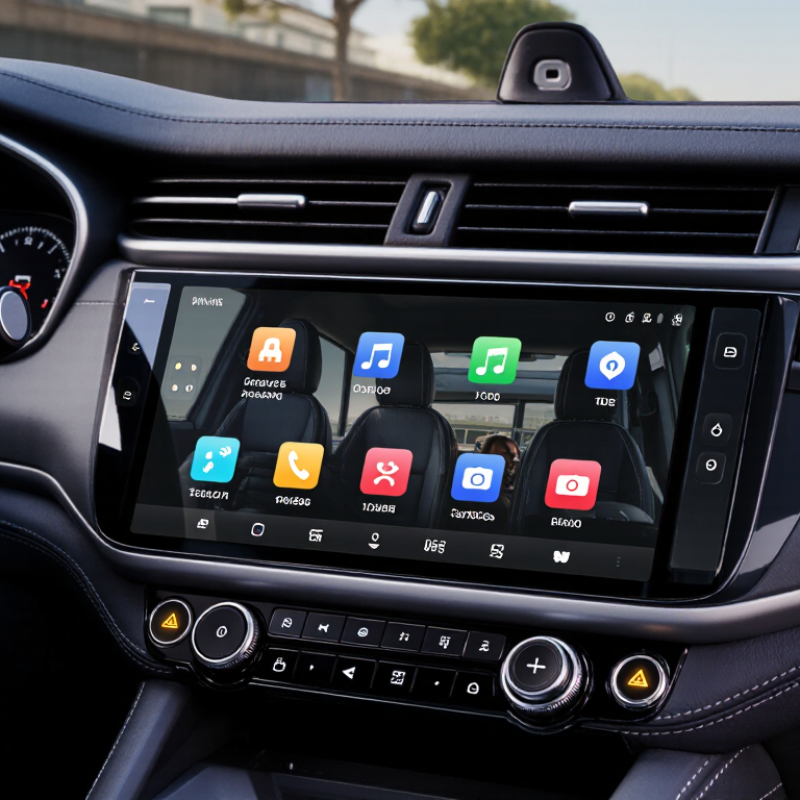
How to Choose the Best Android Car Stereo?
Define Your Driving Needs and Android Stereo Compatibility
Your daily route should guide the stereo you choose. A short commute may only require navigation, hands-free calls, and clear audio. Long trips demand a brighter display, faster controls, and reliable offline maps. Think about your real habits, not impressive features you rarely use.
Measure the dashboard opening before shopping. Many vehicles need a specific single-DIN or double-DIN size. Check the vehicle’s year, trim, factory amplifier, speakers, and steering-wheel controls. A stereo may fit physically but still need an interface for the original buttons or reverse camera. Read the installation manual carefully. Small wiring differences matter.
Screen glare matters.
Test viewing angles in daylight if possible. Confirm that your phone supports the stereo’s connection method, whether wired or wireless. Check storage, memory, microphone placement, and software update support. An outdated system can become frustrating quickly. Independent technical reviews and qualified installers can reveal problems that product pages overlook.
I once focused too much on screen size and ignored control speed. That was a poor choice. A slightly smaller display with responsive menus may feel safer while driving. Compatibility lists can also be incomplete, so verify every connection against your vehicle documentation before buying. A professional installation is sensible when factory audio modules or advanced safety features are involved.
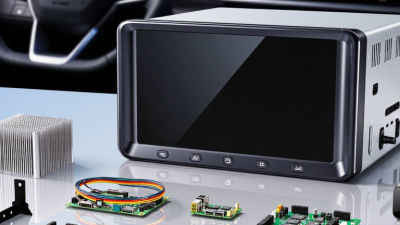
Choosing the best Android car stereo starts with the screen, but size alone can mislead. A 9-inch display may look impressive, yet dashboard depth and viewing distance matter more. Measure the opening, steering-wheel clearance, and camera position before buying. Small details matter. I prefer a bright screen with automatic dimming and physical volume controls. They help when sunlight hits the glass. Touch response should remain accurate with dry or slightly damp fingers. Avoid judging it in a dark showroom.
Audio quality depends on more than speaker loudness. Check the amplifier’s continuous power rating, equalizer controls, preamp outputs, and support for lossless files. A clean system should separate vocals from cymbals without harshness at moderate volume. During testing, use familiar recordings and listen for rattling in door panels. Factory speakers can limit an otherwise capable stereo. I once blamed the head unit for weak bass, then found a loose connector. That mistake changed my installation checklist. Audio claims still need independent measurements, not only sales language.
Hardware performance affects daily trust. Choose enough RAM for navigation, music, and hands-free calls running together. A responsive processor should open maps quickly and recover after switching apps. Confirm wireless connectivity, microphone quality, GPS stability, and update support. Heat management is easy to overlook. A unit that becomes slow after an hour in a parked, sunlit car deserves caution. Check warranty terms and installation guidance from reliable technical sources. I would rather accept a plain interface than frequent freezes while driving. Still, no specification sheet predicts every vehicle’s wiring or software behavior.
Choosing the best Android car stereo starts with checking whether it truly fits your vehicle. Measure the dashboard opening, and confirm the unit’s depth. Some dashboards look spacious but hide brackets, vents, or wiring behind the panel. You may need a vehicle-specific fitting kit, wiring adapter, or antenna adapter. Never force the installation. A tight cable can create heat, noise, or future electrical problems.
Vehicle integration matters just as much as screen size. Check support for steering-wheel controls, the factory amplifier, parking sensors, and the reverse camera. Some vehicles use a data network to control these features, so a compatible interface may be necessary. Confirm that the stereo supports the correct camera signal and keeps important warning sounds working. Test every function before securing the dashboard panel. I once overlooked a dimmer-wire connection, and the screen became distracting at night. That mistake was avoidable. Read the wiring diagram carefully, even if the plugs appear identical. Professional installation is sensible when airbag wiring, factory navigation, or complex data systems are involved. A reliable choice should preserve safe driving controls, provide stable connections, and match the vehicle’s original functions as closely as possible.
How to Choose the Best Android Car Stereo?
A capable Android car stereo should connect quickly and stay connected during daily driving. Test phone pairing in a parked car, not only inside a store. Bluetooth supports calls and music, while wireless projection needs stable Wi-Fi. A wired USB port remains useful when wireless service becomes unreliable. Keep one backup.
Check whether the system supports steering wheel controls and automatic reconnection. These details matter during short trips and long commutes. Read the technical specifications carefully, then compare them with independent user testing. Some advertised features may work only with certain phones or operating systems. I learned this after a supposedly universal unit failed to recognize an older handset.
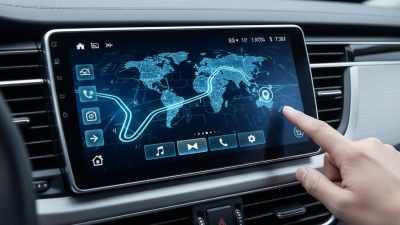
Navigation performance depends on more than screen size. Look for accurate GPS positioning, clear lane guidance, fast route recalculation, and regular map updates. Try a route with tunnels, highway exits, and weak mobile coverage. Offline maps help, but they may require storage and manual updates. No system is perfect.
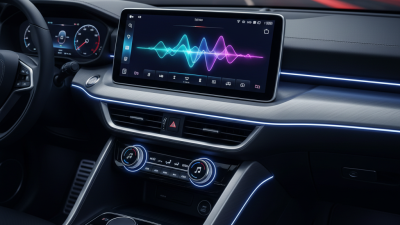
A smart assistant should understand natural requests without repeated commands. Test the microphone with windows open and moderate road noise. Ask for a destination, a phone call, or a weather update. Voice control can reduce screen interaction, but recognition still varies with accents and cabin noise. Review permission settings before signing in. Privacy deserves attention. A larger display may look impressive, yet reliable voice response and simple navigation often matter more.
Assess Safety, Software Updates, Warranty, and Overall Value
Safety should guide every Android car stereo decision. A qualified installer should verify steering-wheel controls, camera compatibility, and stable dashboard mounting. Test the display at night. Excessive brightness can distract you on dark roads. Check whether physical buttons control volume and essential functions without forcing menu searches. The system should reconnect reliably after starting the engine, not freeze during a turn or reverse maneuver. Ask about microphone placement, heat management, and electrical protection before installation.
Software quality affects daily safety and convenience. Look for a clear update policy, including update frequency, installation method, and support duration. Security patches matter when the stereo handles phone connections, navigation, or personal accounts. Avoid systems that promise unlimited features but provide vague software information. Read the fine print. A warranty should clearly cover the screen, wiring, power supply, and installation labor. Confirm exclusions for moisture, overheating, or third-party modifications. Keep invoices and installation records.
Overall value means more than a low purchase price. Compare audio performance, boot speed, app stability, repair access, and long-term support. In practical testing, a responsive mid-range unit often feels better than a feature-heavy model with slow menus. I have learned that advertised specifications rarely show real traffic conditions or winter starts. That matters. Leave room for honest doubt, and ask whether a simpler system would serve your driving habits better.